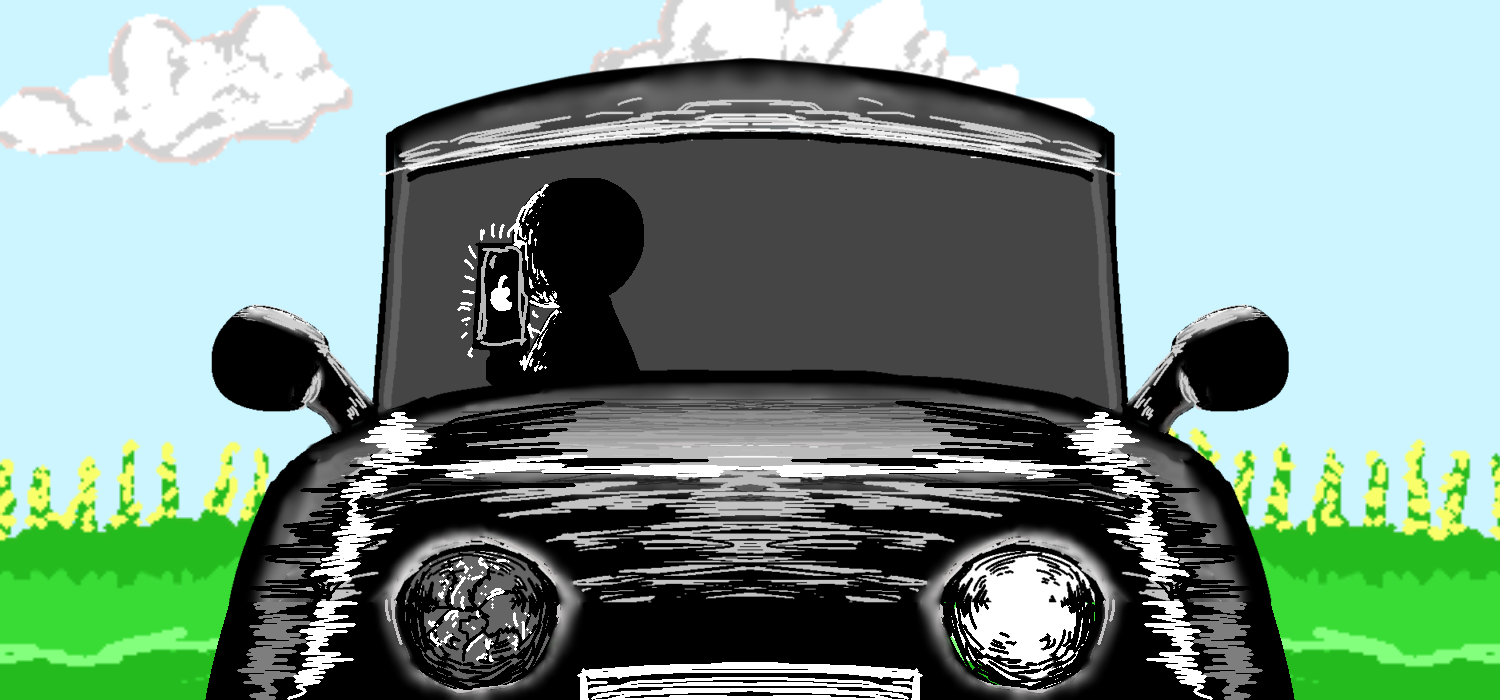
short-sighted
How to Play: Controls & Mechanics
Basic Controls
- W / S: Speed up or Slow down.
- Spacebar: Pick up or Put down the phone.
- Steering: Click and hold the Left Mouse Button to turn.
- Tip: You don't have to keep your mouse on the steering wheel to turn it. Once you click and hold, you can move your mouse anywhere on the screen to control the direction. A Hand UI will show you where you are steering.
Focus Mode (Phone Up vs. Phone Down)
The UI changes based on where you are looking:
- When Phone is UP: * Eye UI: An eye follows your mouse.
- Traffic Info: You can only see car details if you move your mouse to the right side of the screen.
- Steering: You can't steer when the Eye UI is activated.
- When Phone is DOWN: * Eye UI: Becomes see-through and stays in one place.
- Traffic Info: Always visible on the screen.
- Hand UI: Fully active. Move your mouse left or right to turn the wheel.
Anxiety System
- Anxiety Level: It goes up slowly by itself.
- Text Messages: If you don't check your messages, they will pile up. The more unread messages you have, the faster your anxiety will grow. Keep checking your phone to stay calm!
Music & Stress
- Choose your Vibe: There are 3 different songs to pick from.
- Stress Effect: If your anxiety gets too high, the music will start to sound weird and distorted. It might sound low and creepy—this means you need to calm down!
Leave a comment
Log in with itch.io to leave a comment.